
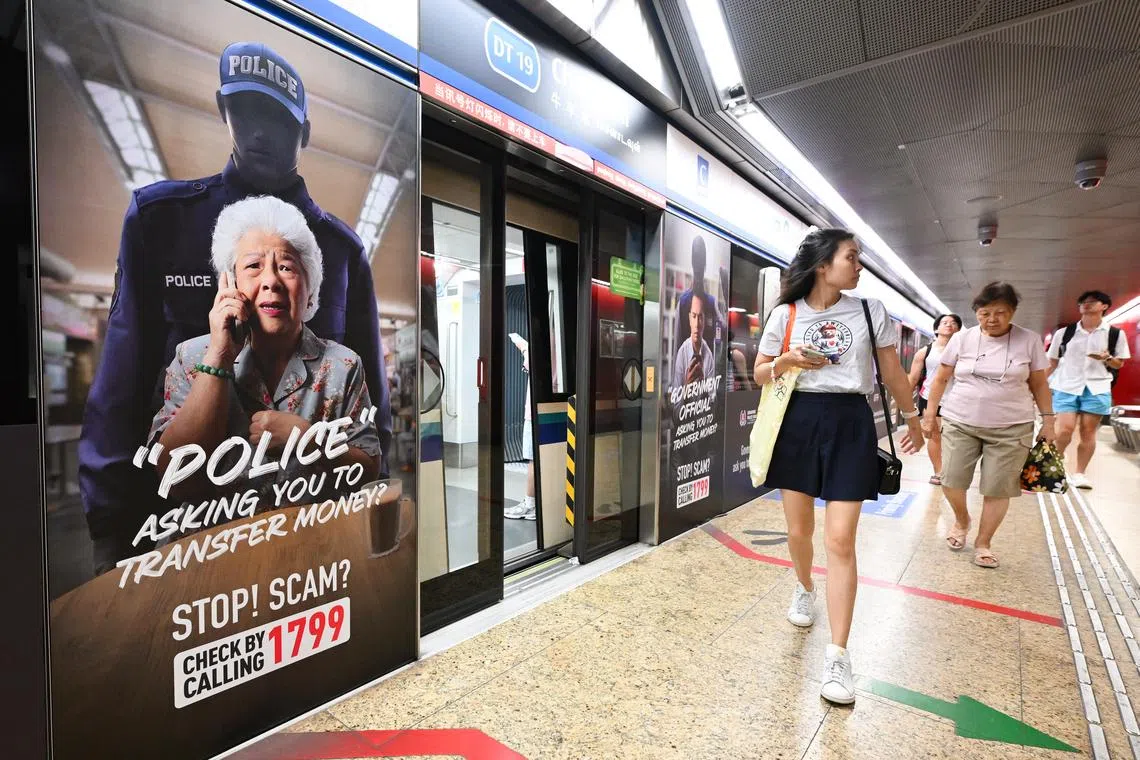
SINGAPORE – Scammers have stolen at least $1 million here since May through ruses in which victims are told that their Microsoft or Crypto.com accounts have been compromised.
In these cases, victims are tricked by scammers pretending to be employees or police, and are then told to transfer their cryptocurrency out, or have money moved out of their bank accounts, said the police in a statement on July 2.
They added that they have received at least 30 reports of such cases since May.
For scams involving Microsoft accounts, victims are told by a pop-up computer alert that appears to be from Microsoft that their devices have been compromised.
They are then told to call a number that starts with 3 for help. When they do, a fake technical support officer transfers the call to a second scammer pretending to be a police officer.
The fake police officer then claims that the victim’s computer is infected, or accuses the victim of being involved in illegal activities such as money laundering.
Victims are told to download tools or click on a link, allowing scammers to control the victims’ bank accounts and make unauthorised transactions. Victims are also asked to make online or over-the-counter bank transfers by the scammers under the guise of a police probe.
For scams involving Crypto.com, victims would receive an unsolicited call from a phone number starting with 3, with the scammer claiming to be from Crypto.com.
Victims are then told that their accounts have been compromised, with unauthorised logins from locations such as Turkey. They may also receive an e-mail or SMS that appears to come from the official Crypto.com platform.
The call is then transferred to another scammer, who tells the victims to download the Crypto.com On-Chain application and set up a new wallet.
Victims are then told to transfer cryptocurrency from their existing Crypto.com wallets to the new wallet, before making a further transfer to other addresses given by the scammer.
Victims are also duped into creating a new Crypto.com On-Chain wallet with a seed phrase generated on a website given by the scammers, before transferring their cryptocurrency to the new wallet.
In both scam types, victims would realise they have been cheated only after noticing unauthorised bank or cryptocurrency transfers from their accounts, or when the scammers become uncontactable.
The police said that it is highly challenging to recover cryptocurrency assets that are transferred, because such transactions cannot be reversed.
Cryptocurrency users should never disclose seed phrases, wallet passphrases, private keys or any authentication codes to anyone else, the police added.
Also, one should verify the authenticity of alerts through official channels, the police said, adding that Microsoft does not include phone numbers in its error or warning messages.
Do not call any numbers displayed in such alerts, avoid clicking any links or buttons within the messages, and close them by exiting the browser, the police advised.
Some pop-ups may cause the browser to enter full-screen mode. Exit full-screen mode by pressing F11 (for Windows users) or the Escape key. If the pop-up cannot be closed, open the task manager on Windows to close the browser manually.
Those who believe they have been scammed should disconnect their computer from the internet or switch it off to prevent further unauthorised access, and remove any applications installed at the scammers’ instructions. They should also perform a full anti-virus scan on the affected computer and delete any malware found.
If bank accounts are involved, they should contact the bank to block unauthorised transactions, change account passwords and banking credentials on a different device, and remove unauthorised payees from the account.
If a cryptocurrency wallet or platform is involved, they should contact the platform to stop further transactions or to freeze the account.
To report fraudulent cryptocurrency phishing websites, e-mail singcert@csa.gov.sg or go to https://www.csa.gov.sg/singcert/reporting
For more information on scams, visit www.scamshield.gov.sg